
Advanced plan
Accounting & Inventory Plan Features
Manage accounting, inventory, and purchasing with clearer reports and better control over your operations.
Feature details
A quick overview of what this plan includes
| Feature | Accounting & Inventory |
|---|---|
| Phase 1 and Phase 2 e-invoicing | ✓ |
| Sales (invoices and quotations) | ✓ |
| Sales orders | ✓ |
| Credit and debit notes | ✓ |
| Reports center | Sales and purchase reports · General ledger · VAT |
| VAT return | ✓ |
| Purchases management | ✓ |
| Warehouses and stocktaking | ✓ |
| Accounting and journal entries · Cost centers | ✓ |
| Permissions management | ✓ |
| Users | 2 |
| Branches | 1 |
| POS terminals | 1 |
| Attachment storage | 3 GB |
| Backups | ✓ |
| Technical support | Included |
See accounting and inventory inside 123ERP
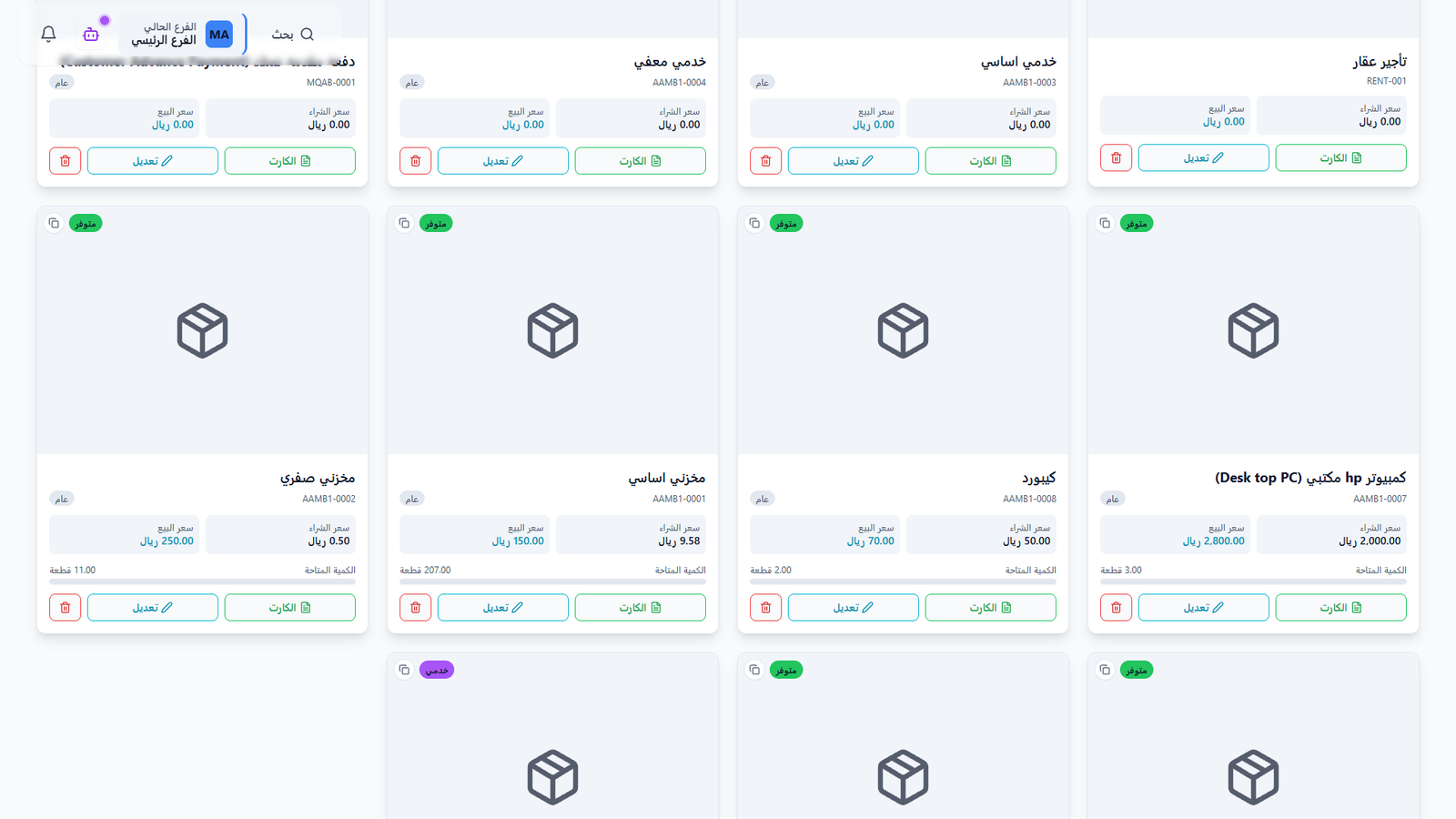
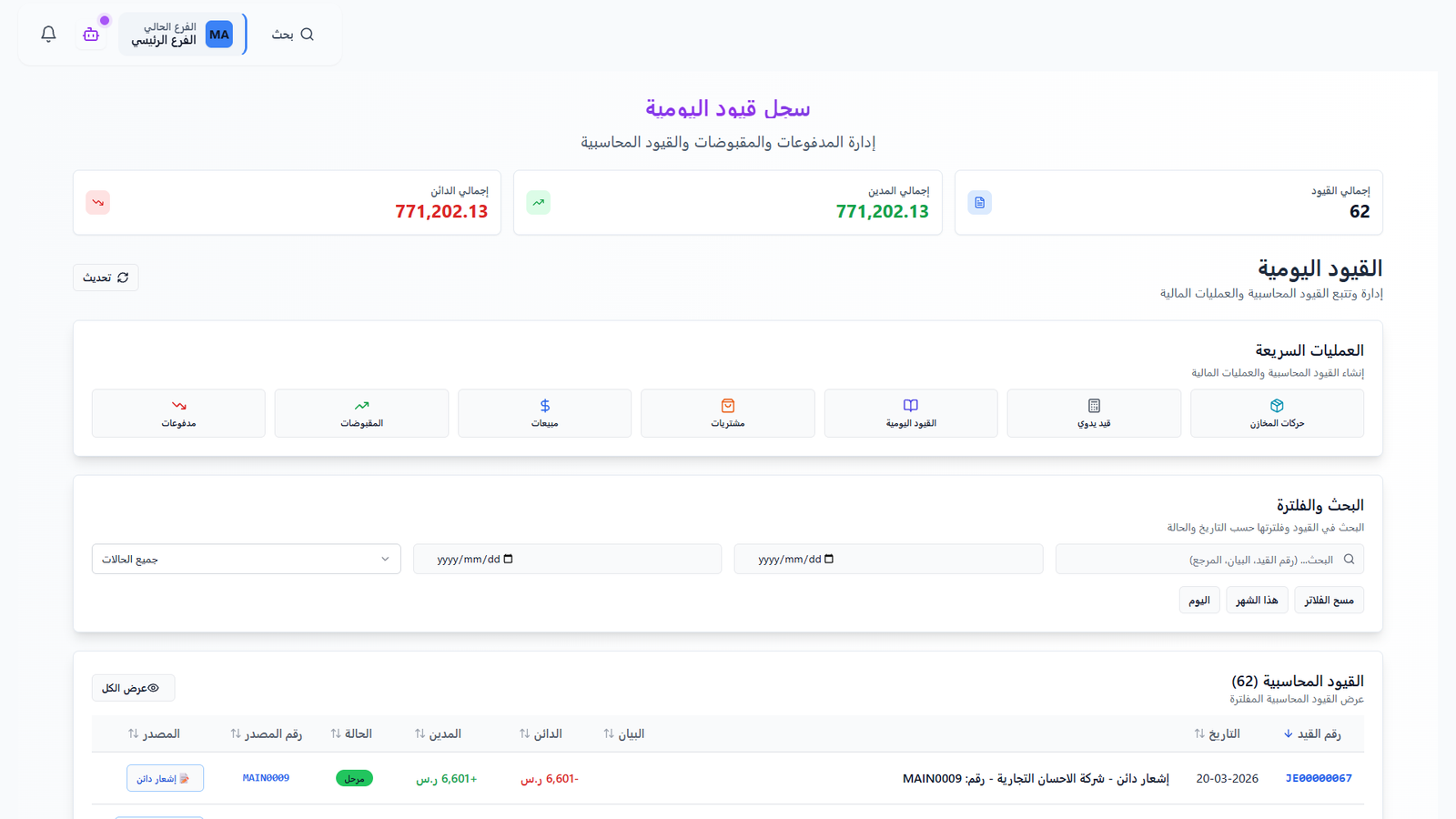
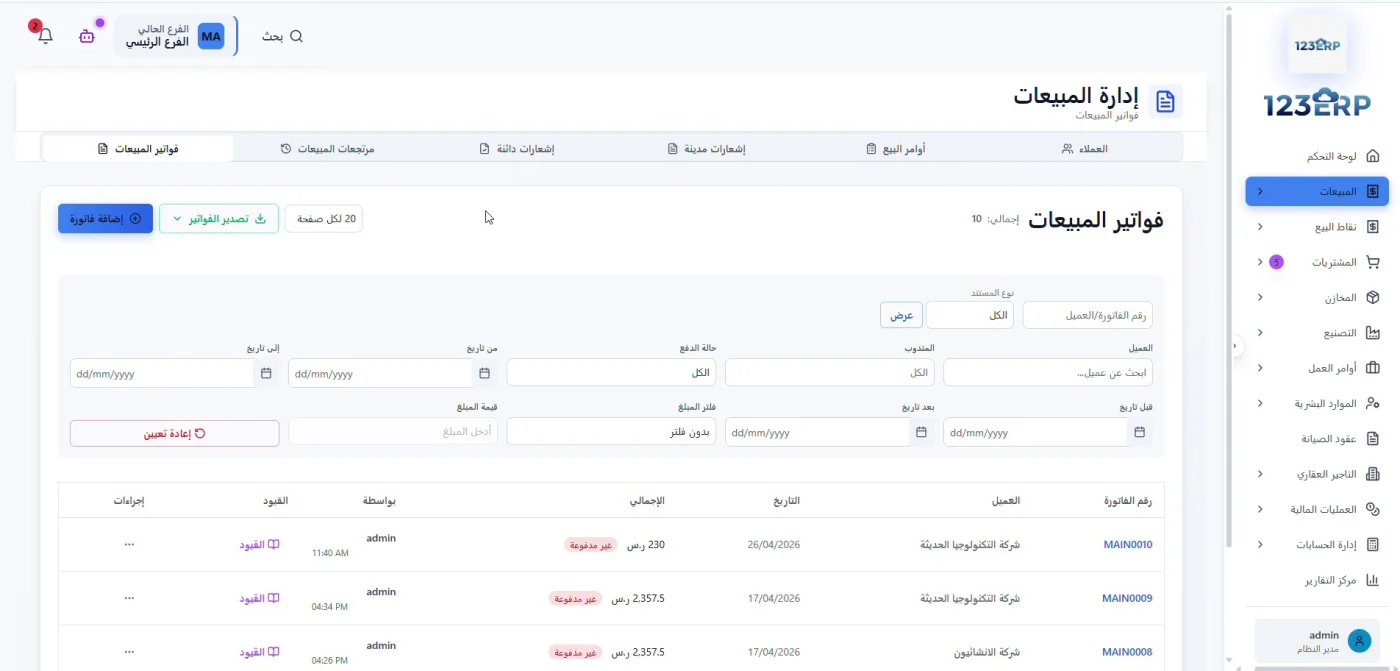
Actual screenshots of the Arabic interface show product management, journal entries, and sales invoices. Open any image at full size to see the details.
 View full-size screenshot
Products and available quantities
Review product codes, purchase and selling prices, and available quantities in one list. Open a product card to see its details.
 View full-size screenshot
Journal entries and financial operations
Review debit and credit totals, and find entries by date, status, or reference. The screen also includes shortcuts for receipts, payments, sales, and purchases.
 View full-size screenshot
Sales invoices and payment status
Review customer invoices, dates, totals, and payment status. Use the search and filters to find the invoice you need.